


The quickest and easiest way to create icons
The quickest and simplest way to achieve an eye-catching icon is to design it as if it was an image with good resolution and put it through Image 2 Icon Converter so that it becomes an icon with the features that we want it to have.
Creating icons had never been so easy
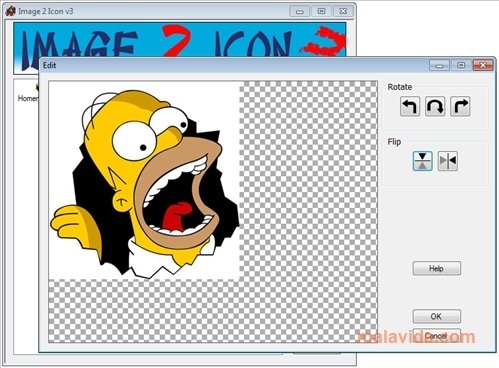
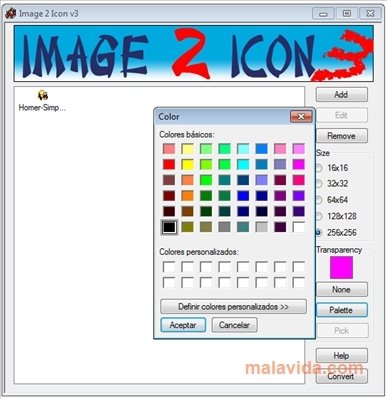
Once we open Image 2 Icon Converter, it only allows us to add an image to a production queue, and on the right we can choose between some small options. Nevertheless, its work is extremely refined, and once we click on "Convert" we will obtain the icon perfectly converted to ICO format, the Windows standard.
Icons can be configured so that they have several sizes, from 16x16 (the classic favicons that are shown beside the browser address) to a maximum of 256x256, an enormous size that can be made the most of with high definition screens.
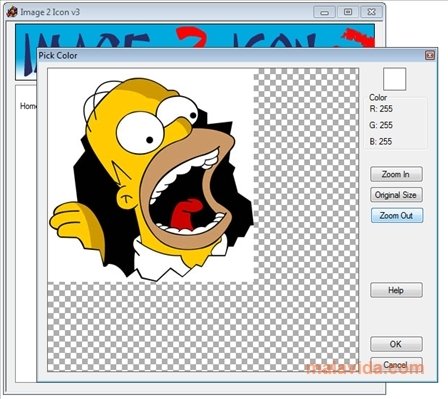
The transformation of an image into an icon is almost instant and before converting it, Image 2 Icon Converter allows us to open it to know exactly what colors form part of it (and thus know if it will transcode properly to ICO format, or configure the background color and transparency).
Requirements and additional information:
- It's necessary to have .Net Framework 2.0 installed.
 Leticia Sorivella
My name is Leticia. I really like movies, television, and music. That is why I studied Audiovisual Communication. In the beginning, I wanted to work in movies, but I ended up on television. Then, I went from being behind the cameras to being in...

Antony Peel